

















Jilebi Logo

Jilebi

Runtime Core

Filesystem

Filesystem

100+

Cloudflare

Cloudflare

100+

fetch

fetch

100+

Context7

Context7

100+

Time Utils

Time Utils

100+

Github

Github

100+

grafana

grafana

100+

Memory

Memory

100+

Sequential Thinking

Sequential Thinking

100+

Rust Docs

Rust Docs

100+

Met Museum

Met Museum

100+

Anilist

Anilist

100+

Blender

Blender

Coming soon

Playwright

Playwright

Coming soon

AWS Docs

AWS Docs

Coming soon

Exa Search

Exa Search

Coming soon

Elastic Search

Elastic Search

Coming soon

WhatsApp

WhatsApp

Coming soon

JIRA

JIRA

Coming soon

Figma

Figma

Coming soon

Azure

Azure

Coming soon

GCP

GCP

Coming soon

Jilebi

The secure MCP runtime with a powerful plugin ecosystem

Linux / macOS
curl -fsSL https://jilebi.ai/install.sh | bash
Windows (PowerShell)
irm https://jilebi.ai/install.ps1 | iex

Easy to Add MCPs

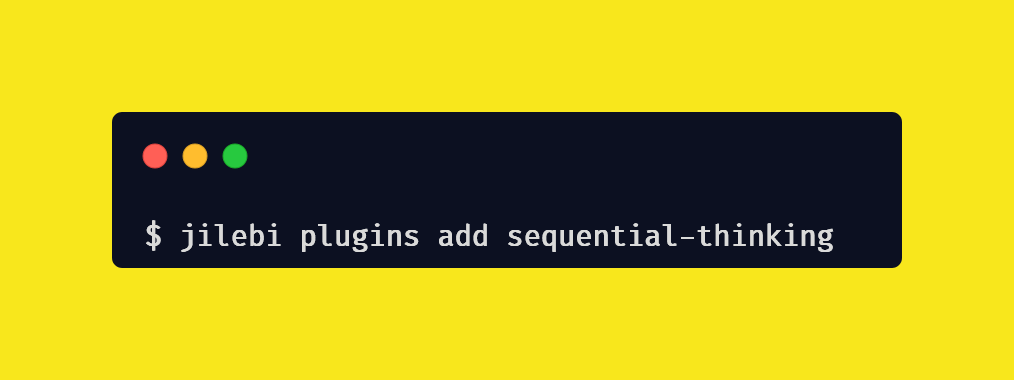
Jilebi makes it really easy to add MCPs by converting them to plugins that can then be used by your AI tool or agent. You can add MCPs with a single command like this
jilebi plugins add context7
Easy to Add MCPs

Plugins are better than MCP servers

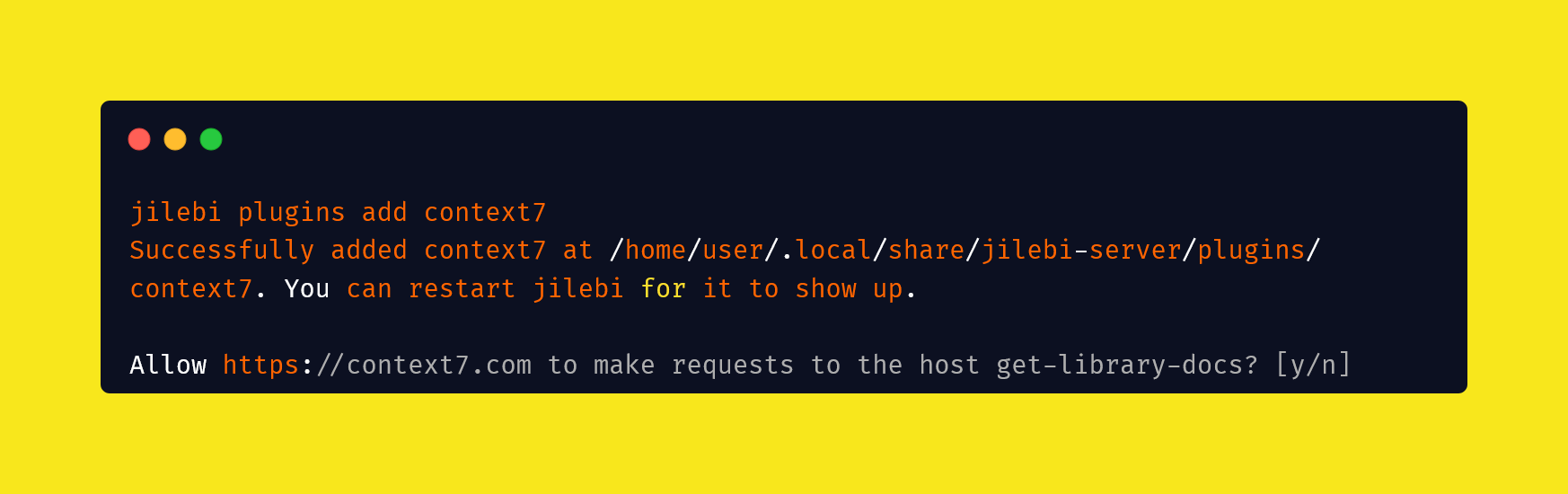
Jilebi uses deno_core with help from rustyscript to sandbox and run plugins without giving them any access to your network, envs or file system. Any permission to use these resources needs to be explicitly allowed by the user during installation of the plugin
Plugins are better than MCP servers

Simplify MCP development

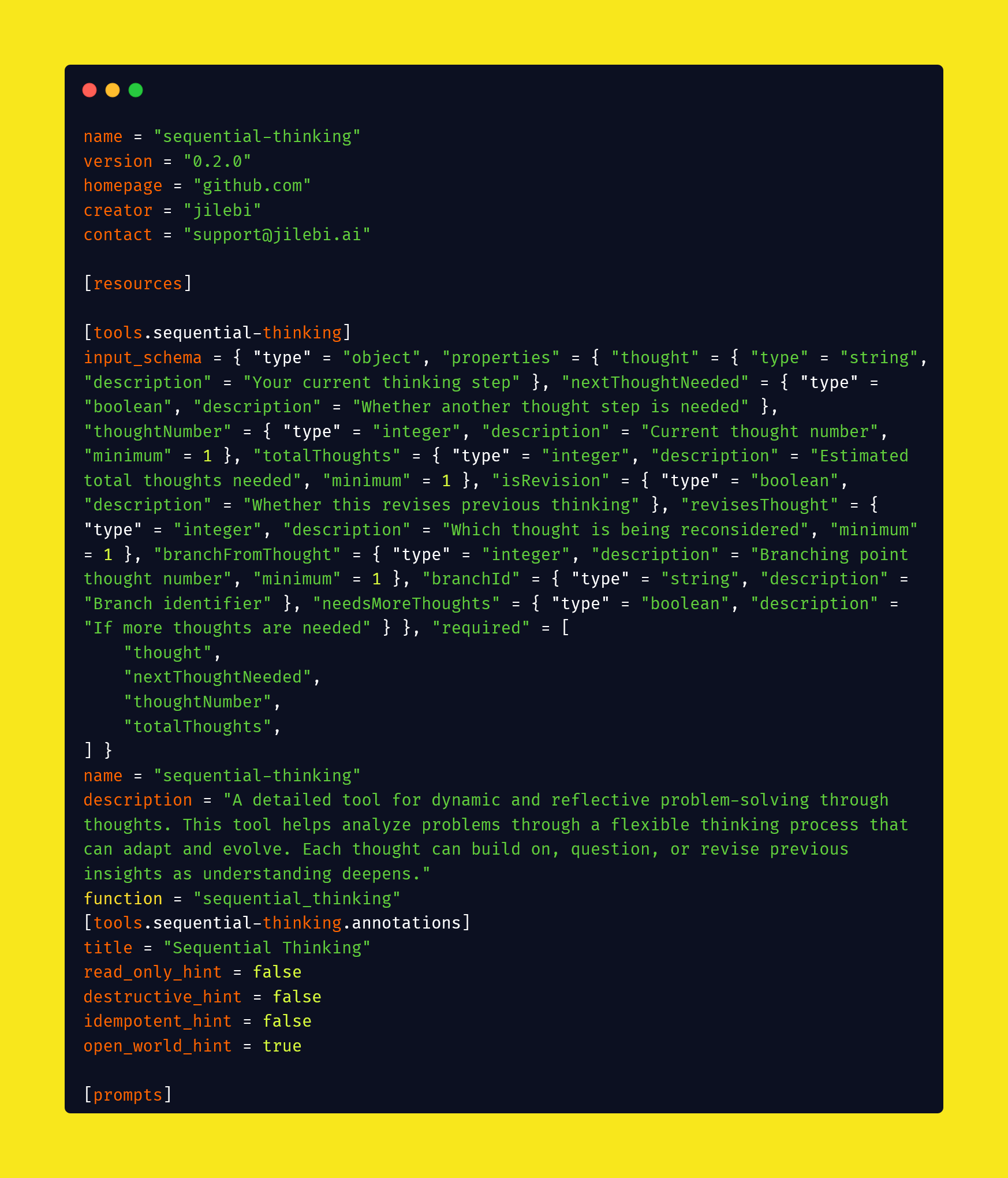
Focus on tools, resources and prompts. Leave the server abstraction to Jilebi. Jilebi currently supports stdio, and will add support for SSE, HTTP and OAuth soon. Since its easy to make plugins, anyone can contribute, even AI tools. Jilebi can keep up with the MCP spec while you focus on your plugin
Simplify MCP development

Frequently Asked Questions

Get answers to common questions about Jilebi and how it works

Jilebi is a plugin runtime that converts Model Context Protocol (MCP) servers into secure, sandboxed plugins. Unlike traditional MCP servers that require direct network and system access, Jilebi plugins run in a secure sandbox with explicit permission controls, making them safer and easier to manage.
I wanted to use MCP servers but were concerned they would steal my ssh keys. Setting up and using each MCP server with my editor was also a pain. I just wanted to simplify this whole setup, and created jilebi to do that.
Absolutely! Jilebi makes plugin development simple by focusing on tools, resources, and prompts rather than server abstractions. You can create plugins using JavaScript/TypeScript, and Jilebi handles the MCP protocol implementation. Check our documentation for plugin development guides and examples.
Currently no, jilebi is not open source. It is free to download and use in stdio mode. The plugins I write for it are open source and can be found on https://github.com/jilebi-plugins. I may flesh out jilebi more and provide the remote capability as a service in the future where you don't need to download jilebi to use it.
Docker is a pretty good choice, it grants isolation and you can configure permissions and envs within a docker compose file. I felt containers take up more system resources, and can limit how many MCPs you can run at a time.
When I was looking for a solution, I came across hyper-mcp which runs MCPs as wasm modules plugged in via extism. You can also try Wassette which Microsoft released while I was creating Jilebi. Both are great options if you want to avoid using Docker or full MCP servers. They both are open source.
Getting started is easy! Download Jilebi for your platform from our download page, install it, and start adding plugins with jilebi plugins add [plugin-name]. Check out our quick start guide for detailed setup instructions.